

Running scripts: What happens when you press F5
1. Unsaved changes. A run executes the files on disk, so anything unsaved has to be writtenfirst:
1. Unsaved changes. A run executes the files on disk, so anything unsaved has to be written first:
"20-add-column.sql" has unsaved changes. A run executes the file on disk, so it has to be saved first — there is no way to run what is only in the editor.
The buttons are Save and Run and Cancel. There is deliberately no "run anyway": that would run a different script from the one on your screen.
2. Pre-flight. Before any statement is sent, the app checks:
- every script parses and can be split into batches;
- every variable resolves for every target — per target, because the built-in
target.*values differ between them; - every target answers, by opening and closing a connection to each.
The reachability sweep is the expensive part and the reason pre-flight exists. An unreachable server found now is an inconvenience; found midway through a run it is a partially applied change. The sweep runs concurrently and the status bar counts it down.
Three outcomes:
| Outcome | |
|---|---|
| Proceed | Nothing blocking |
| Partial | Some databases did not answer. You are shown which, and you decide whether to run the rest |
| Refuse | The run does not start, and nothing was touched |
Findings about reaching a database appear in the Messages pane beside everything else that happened to that target. Findings the tool itself raised — a script that will not parse, a variable with no value, no targets selected — get a dialog, because they have no target row to sit under.
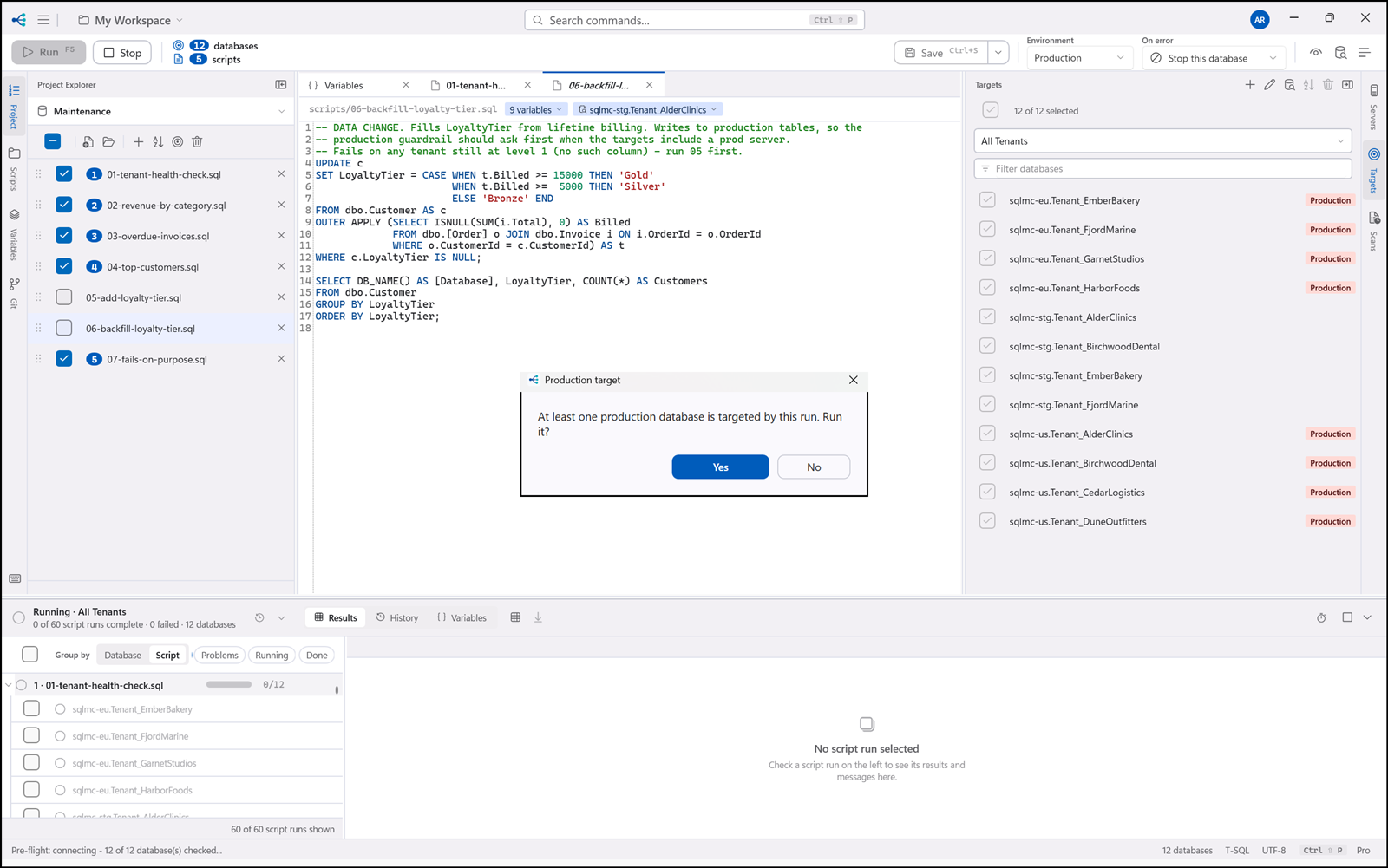
3. Production confirmation. If any target the run will actually touch is on a connection marked production, you are asked once, with every one of them named:
This run will execute against production: sql-prod-01, sql-prod-02
Type RUN to enable the button.
Run on production stays disabled until RUN is in the box. Case does not matter and neither
does surrounding whitespace — run will do. Anything else, including RUN with something after it,
leaves the button unavailable, and so does Enter: there is nothing for Enter to land on until the
word is typed.
The typing is what unlocks the answer, not what gives it. Closing the dialog with RUN sitting in
the box cancels the run, the same as Escape or the window's X.
It is asked once per run rather than once per target, and it names them all so the scope is unambiguous. A production database that pre-flight dropped for being unreachable is not in that sentence — you are only agreeing to what will actually be touched.
Why typed and not Yes/No. This is the one prompt in the application whose cost of being answered wrongly is unbounded, and Yes/No is the prompt shape most easily answered by a keystroke that was aimed at whatever was on screen before it. A word has to be typed, which means the hands stop — which is the only moment in which the sentence naming the databases gets read.
A coverage scan (§16) that touches production still asks a plain Yes/No. It reads schemas and writes nothing, so it is warned about rather than gated.