

Running the server: Wiring it into a client
Claude Code — .mcp.json in the project, or the user-level equivalent:
Claude Code — .mcp.json in the project, or the user-level equivalent:
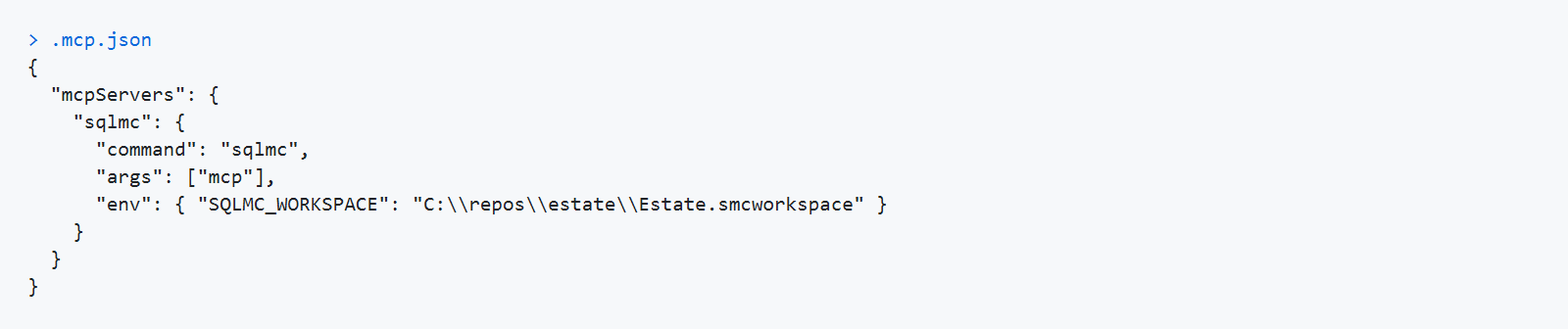
{
  "mcpServers": {
    "sqlmc": {
      "command": "sqlmc",
      "args": ["mcp"],
      "env": { "SQLMC_WORKSPACE": "C:\\repos\\estate\\Estate.smcworkspace" }
    }
  }
}
Claude Desktop — claude_desktop_config.json, same shape. Use a full path to the executable if
it is not on PATH for the account the desktop app runs as.
Any other stdio client — spawn sqlmc mcp, speak JSON-RPC on its stdin and stdout, read stderr
for diagnostics.
SQLMC_WORKSPACE in the server's environment is worth setting. Without it the server resolves a
workspace from its working directory and the user's index (§3), which is fine interactively and
surprising in a long-lived server.