Projects and scripts: Saving
Ctrl+S saves the active tab, Ctrl+Shift+S saves every dirty tab.
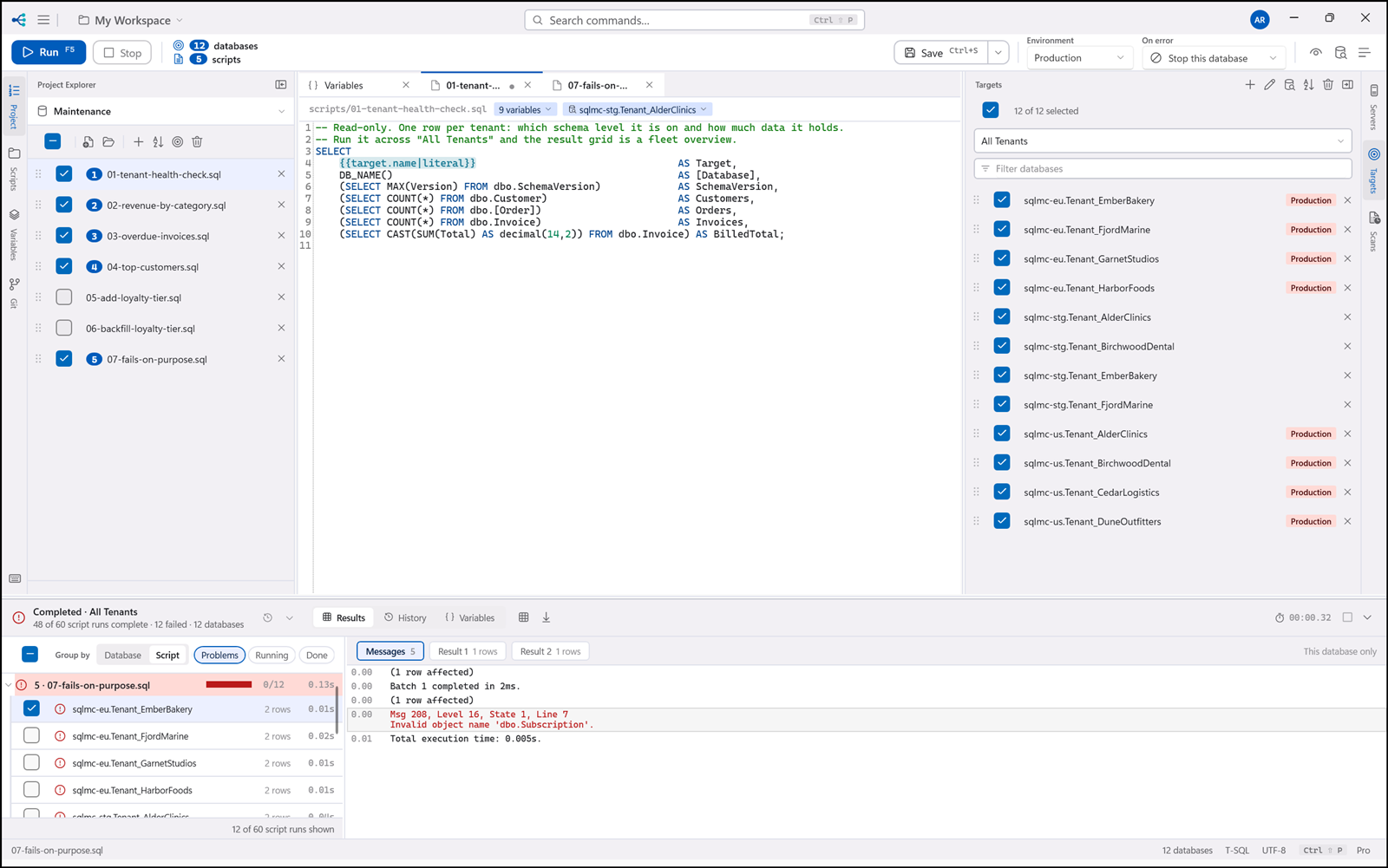
Ctrl+S saves the active tab, Ctrl+Shift+S saves every dirty tab. A tab with unsaved changes shows
a dirty marker, and a run will not proceed past unsaved changes (§13).