

Importing from Red Gate SQL Multi Script: Running the import
Offered on a first launch that finds an installation.
Offered on a first launch that finds an installation. Afterwards: Project ▸ Import from SQL Multi Script, or the command palette.
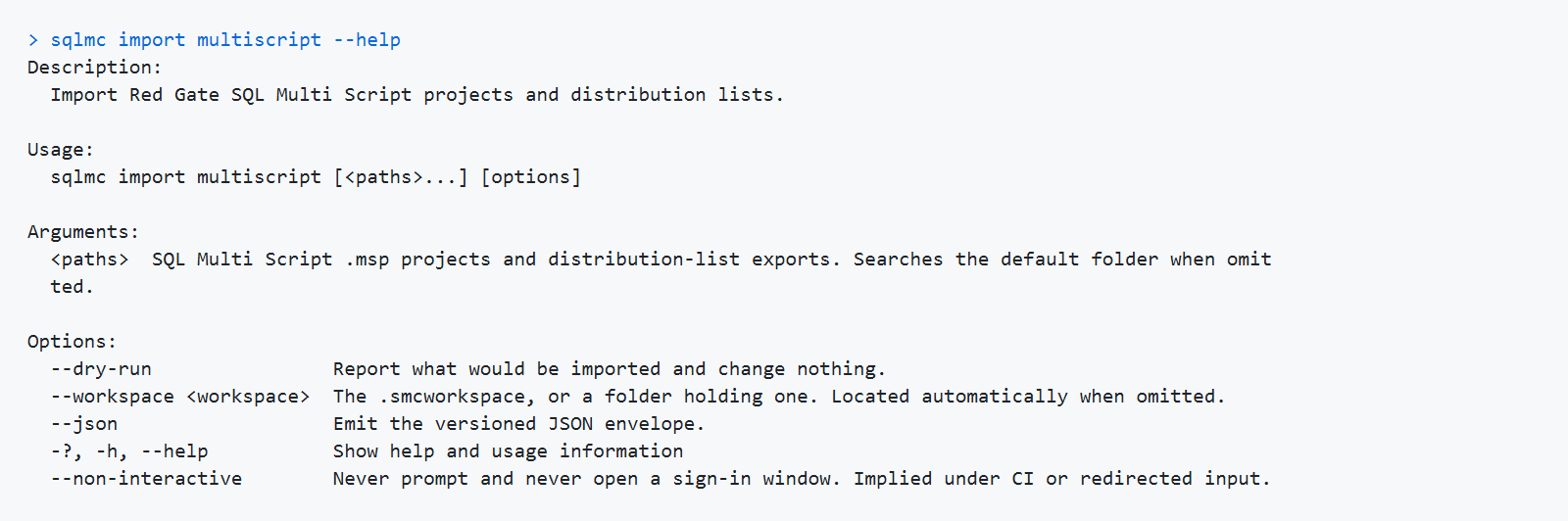
The wizard has two steps.
Sources. Add files one by one, or point it at a folder and let it scan. Each file is read — not judged by its extension — and reported as a project, a distribution list export, or unrecognized. A file you picked on purpose that could not be read is reported, not silently skipped.
The summary tells you, before anything is created: how many projects, how many target groups, how many distinct servers, how many databases, how many scripts, and how many of those scripts are not on this machine.
Done. What was created, and what was left behind.