

Keyboard and the command palette
Ctrl+Shift+P opens the palette and searches every command by name.
Ctrl+Shift+P opens the palette and searches every command by name.
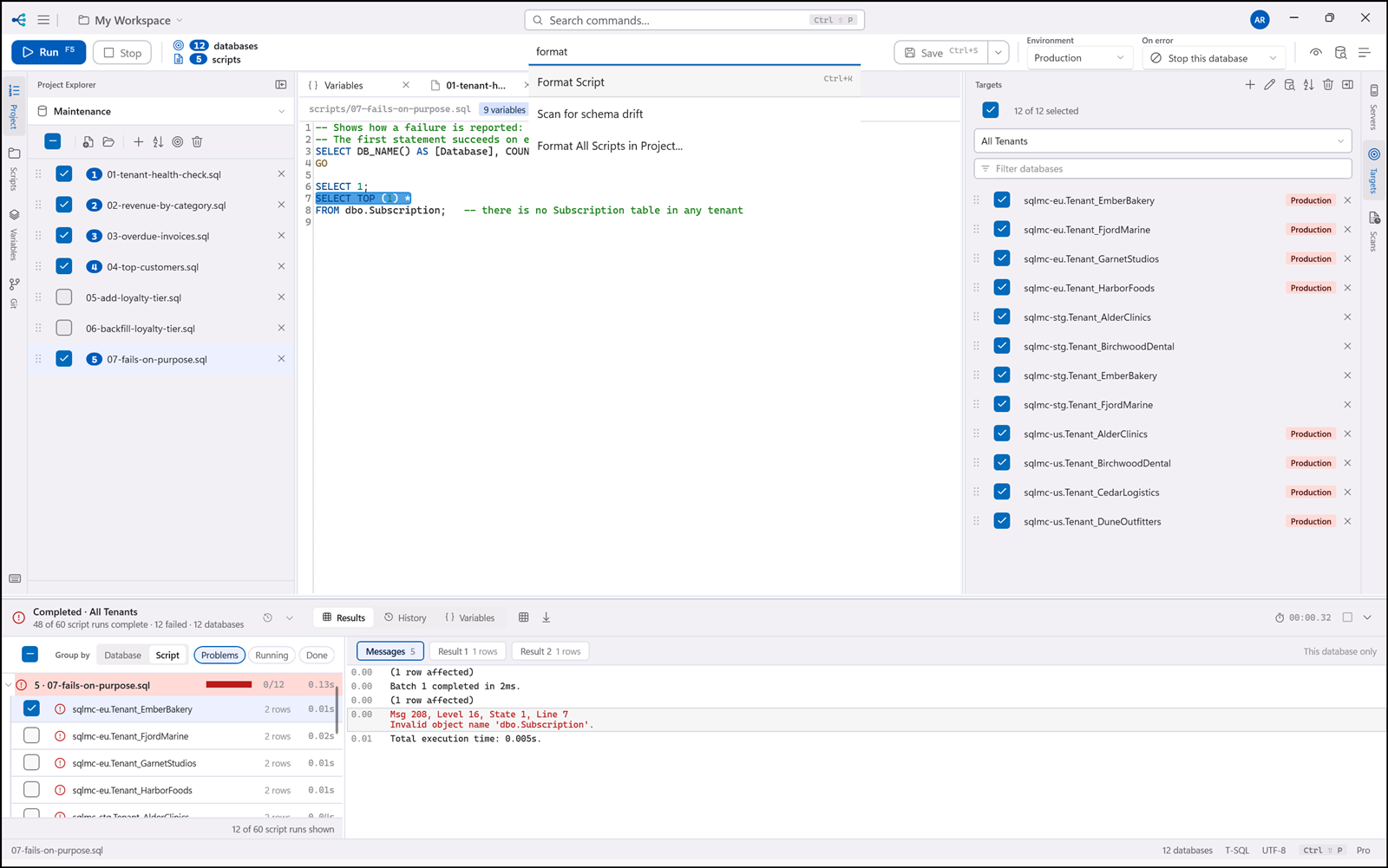
Every command is reachable from it, and that is structural rather than a promise: the window's keyboard bindings and the palette are generated from one registry, so a command cannot exist without a route to it.
| Key | Command |
|---|---|
F5 |
Execute |
Alt+Break |
Cancel |
Ctrl+Shift+V |
Preview substituted script |
Ctrl+N |
New script |
Ctrl+S / Ctrl+Shift+S |
Save / Save all |
Ctrl+O |
Open project |
Ctrl+Shift+N |
New project |
Ctrl+K |
Format |
Ctrl+E / Ctrl+Shift+E |
Export results / Export all results |
Ctrl+Shift+B |
Variable editor |
Ctrl+Shift+R |
Refresh IntelliSense schema |
Ctrl+Shift+P |
Command palette |
Ctrl+G |
Group / ungroup the completion list |
F6 |
Re-read the Scripts folder |
F2 |
Rename, in the focused pane |
Delete |
Remove from project, in the focused Project pane row |
Alt+Up / Alt+Down |
Move script up / down |