

Projects and scripts: The Project pane
Removing a script from a project deletes nothing from disk.
| Action | How |
|---|---|
| Enable or disable a script | Its checkbox. A disabled script stays in the project and does not run |
| Reorder | Drag the handle, or Alt+Up / Alt+Down |
| Rename | F2 on the focused row |
| Remove from project | Delete on the focused row |
| Remove every checked script | From the menu or the palette — deliberately not bound to a key |
| Sort | Sorts the inventory; the sort is the new run order |
| Sync to the active tab | Selects the row for whatever is open in the editor |
Removing a script from a project deletes nothing from disk. It stops being part of the run.
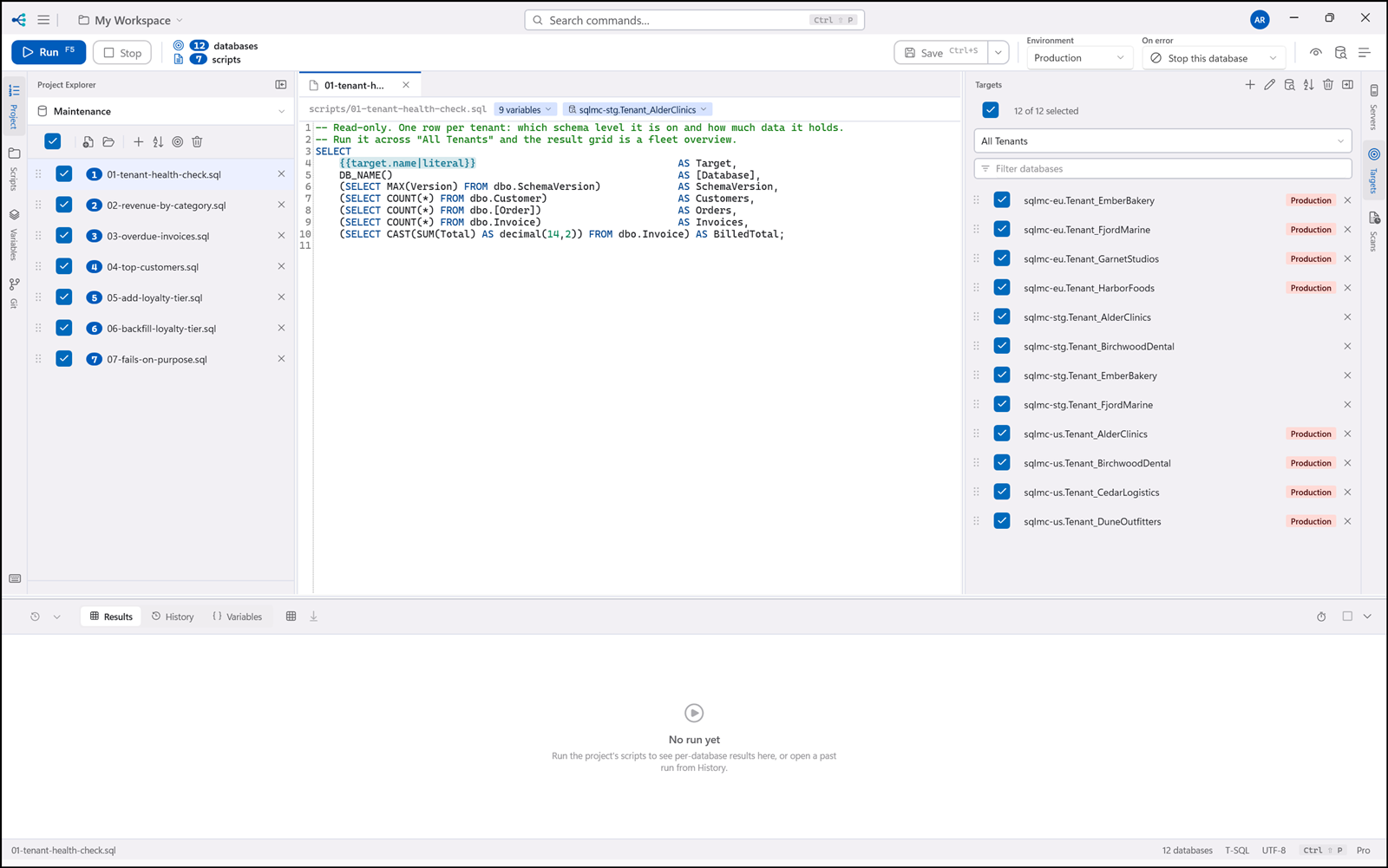
Each row shows its position — "Runs 3 of 7" — counting only enabled scripts, so the number means what it says.
The On error column is live only when the project's mode is each script decides (§13). A script with no policy set under that mode fails pre-flight rather than being given a default.