

Connections: Registering a server
Run ▸ Connections… opens the editor, which has two tabs: Connections and Target groups.The Registered servers panel in the right rail is a read-only view of the same list.
Run ▸ Connections… opens the editor, which has two tabs: Connections and Target groups. The Registered servers panel in the right rail is a read-only view of the same list.
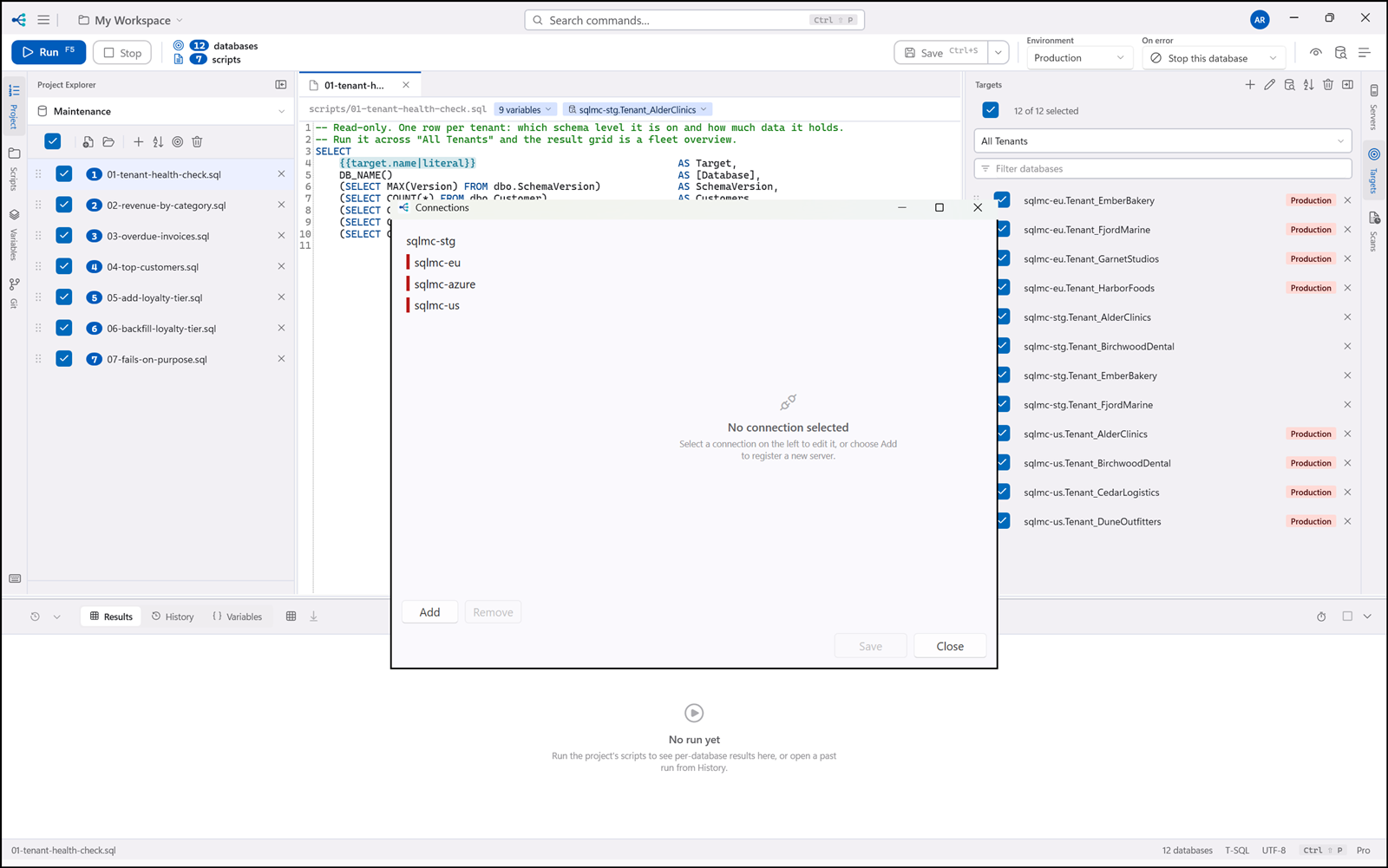
| Field | |
|---|---|
| Name | How you will refer to it. Must be unique in the workspace, compared case-insensitively. |
| Server | Host name or address. Defaults to localhost. |
| Port | Pre-filled with the provider's default (1433 for SQL Server). Clearing it means the default — the watermark keeps saying which. |
| Database | The connection's own default database. Optional; a target can name a different one. |
| Authentication | Integrated, SQL login, or Microsoft Entra. |
| User name / Password | SQL login only. |
| Save password | Stores it in Windows Credential Manager and keeps only the reference in the file. |
| Encrypt | On by default. |
| Trust server certificate | For containers and lab servers with self-signed certificates. |
| This is a production database | Turns on the run guardrail (§13). |
Test opens the server before anything is saved, and on success fills the database picker from what the server actually reports. It deliberately does not pin to the database name you typed — so a database that does not exist yet cannot make the test itself fail.