

How to stop accidental runs on production databases
Mark production connections once and SQL Multicast makes you type a word before any script touches them.
Published
The worst mistake in a multi-database tool is pressing run with the wrong group selected. The defence should not depend on you paying attention that day.
Mark the connection once
In the connection editor, tick This is a production database. That is the whole setup.
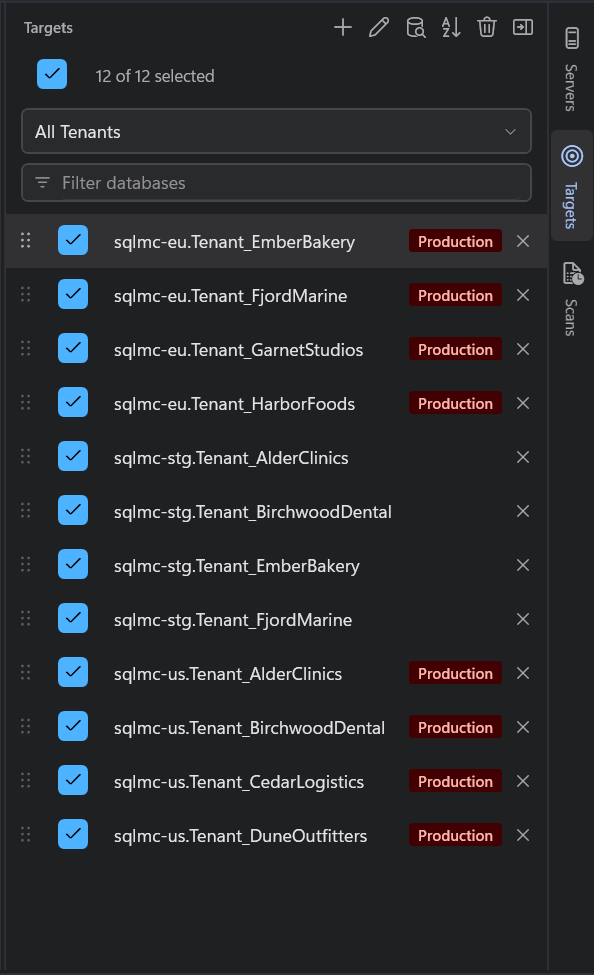
The Registered servers panel now groups connections into Production and Other, so what is dangerous is visible without opening anything.
What happens at run time
When a run includes any production connection, SQL Multicast stops before sending a statement and names every production target it is about to touch:
This run will execute against production: sql-prod-01, sql-prod-02 Type RUN to enable the button.
The button stays disabled until you type the word. It is a typed word rather than Yes/No because a Yes/No prompt is easily answered by a keystroke aimed at something else. Typing makes you stop, which is when you read the sentence.
Two details worth knowing:
- It asks once per run, not once per database, and lists them all.
- A production database that was unreachable and dropped by pre-flight is not in the list, so you only agree to what will really be touched.
Pair it with preview and pre-flight
Preview the SQL, let pre-flight confirm every database answers, then type the word. See what happens when you press F5.