

How to re-run a script on only the databases that failed
Set an on-error policy, then use Re-run failed to retry just the targets that did not finish - no hand-built list.
Published
Across forty databases, a few will fail: a lock, a timeout, a server that was rebooting. The wrong response is to run everything again or to work out by hand which ones are left.
1. Choose what a failure does
Pick an On error policy from the toolbar, or set it on the project:
| Policy | On a failed batch |
|---|---|
| Continue | Log it, run the next batch on the same database |
| Skip script | Abandon this script on this database, go on to the next script |
| Stop target | Stop this database; the others carry on (the default) |
| Stop all | Abort the whole run |
Stop target suits a rollout: one bad database does not spoil the others.
2. Run, then look at the failures
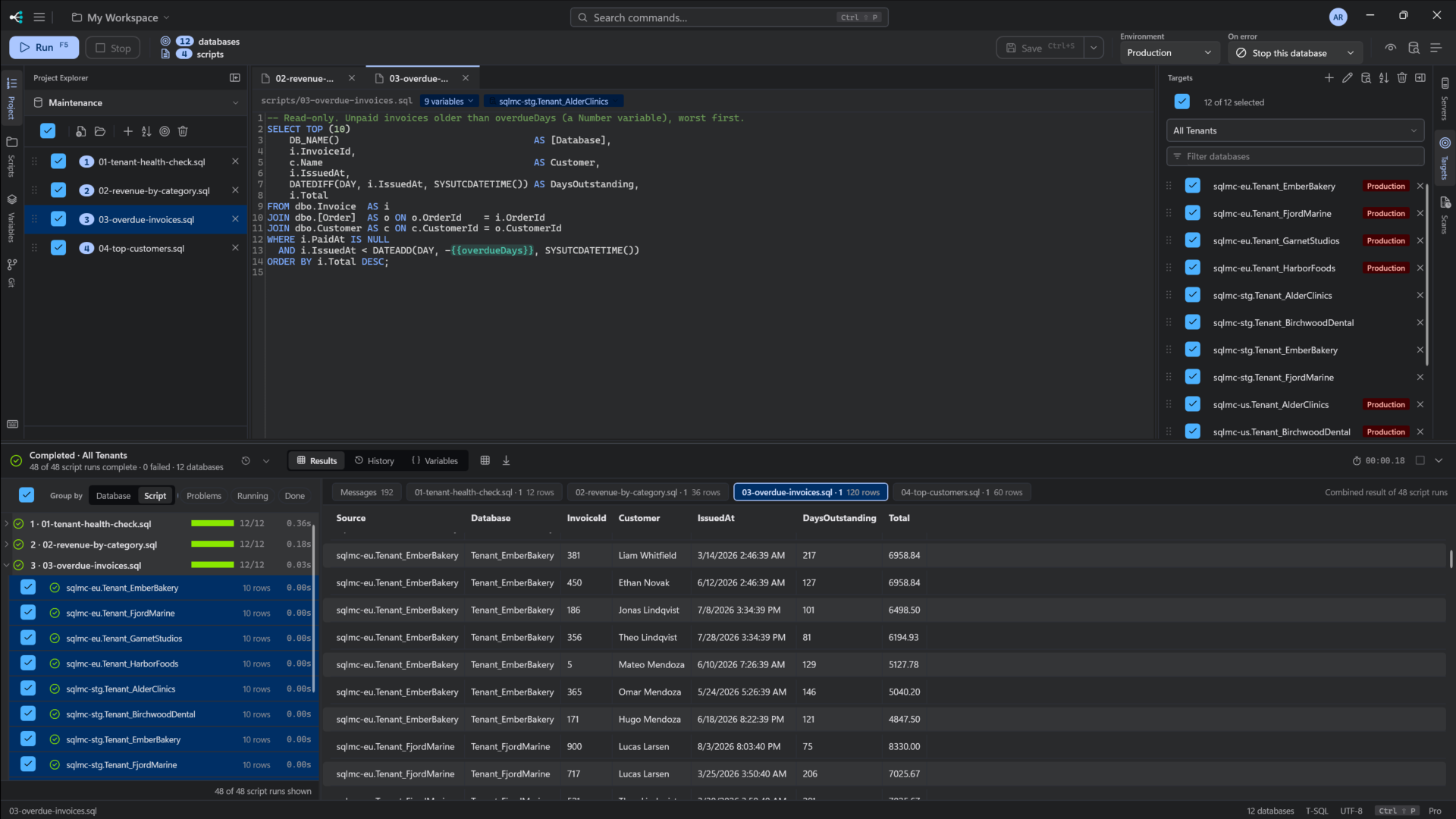
Failures show per database in the results, with the error and line number in the Messages tab.
3. Fix the cause and re-run the failures
Fix the problem, then choose Run ▸ Re-run failed. It runs the same scripts against only the targets that failed last time:
Re-running 3 failed target(s)
If nothing failed, it says so instead of doing nothing.
Make that safe
Re-running works best when the script can run twice. Check before you change:
IF COL_LENGTH(N'dbo.Customer', N'LoyaltyTier') IS NULL
    ALTER TABLE dbo.Customer ADD LoyaltyTier varchar(10) NULL;
More on that in deploying a schema change to every tenant database. See also on-error policy.